SELLING DIGITAL PRODUCTS
Selling Digital Products? Make the Download Clear
Tell buyers what they receive, what they need and what to do next. A simple handoff is part of the product.
Someone sees your printable, sewing pattern or template and decides to buy it. They should know what happens next. Do they get a file they can open immediately, a link to edit something, or instructions for collecting the files somewhere else?
Those can all be useful products. The problem is leaving the buyer to guess. Before you add more designs, make the handoff clear.
1. Name what the buyer actually receives
Make “digital download” specific. Say whether the purchase includes a PDF, image files, a ZIP folder or an editable template link. Explain what each file is for.
For a sewing pattern, separate the pattern pieces from the instructions. For printable art, explain the included sizes and whether the buyer receives a finished print file or an editable design. For a Canva template, say that the buyer receives a template link, rather than suggesting they receive a ready-made PDF.
A useful description might read: “You receive a PDF pattern and a separate instruction file. Fabric and a finished book sleeve are not included.” Use that wording only if it describes your actual offer.
2. Explain what else they need
Your own setup makes the process feel obvious. A buyer may have a different device, different software or no printer.
State what is required to use the product. Can they read the files on a phone? Does editing require an account? Do they need to print at a particular scale? If your template uses features or assets that require a paid software plan, make that requirement clear and check it before listing.
You do not need a long technical section. A short “You will need” line can prevent someone buying the wrong thing. Avoid promising compatibility with tools or devices you have not tested.
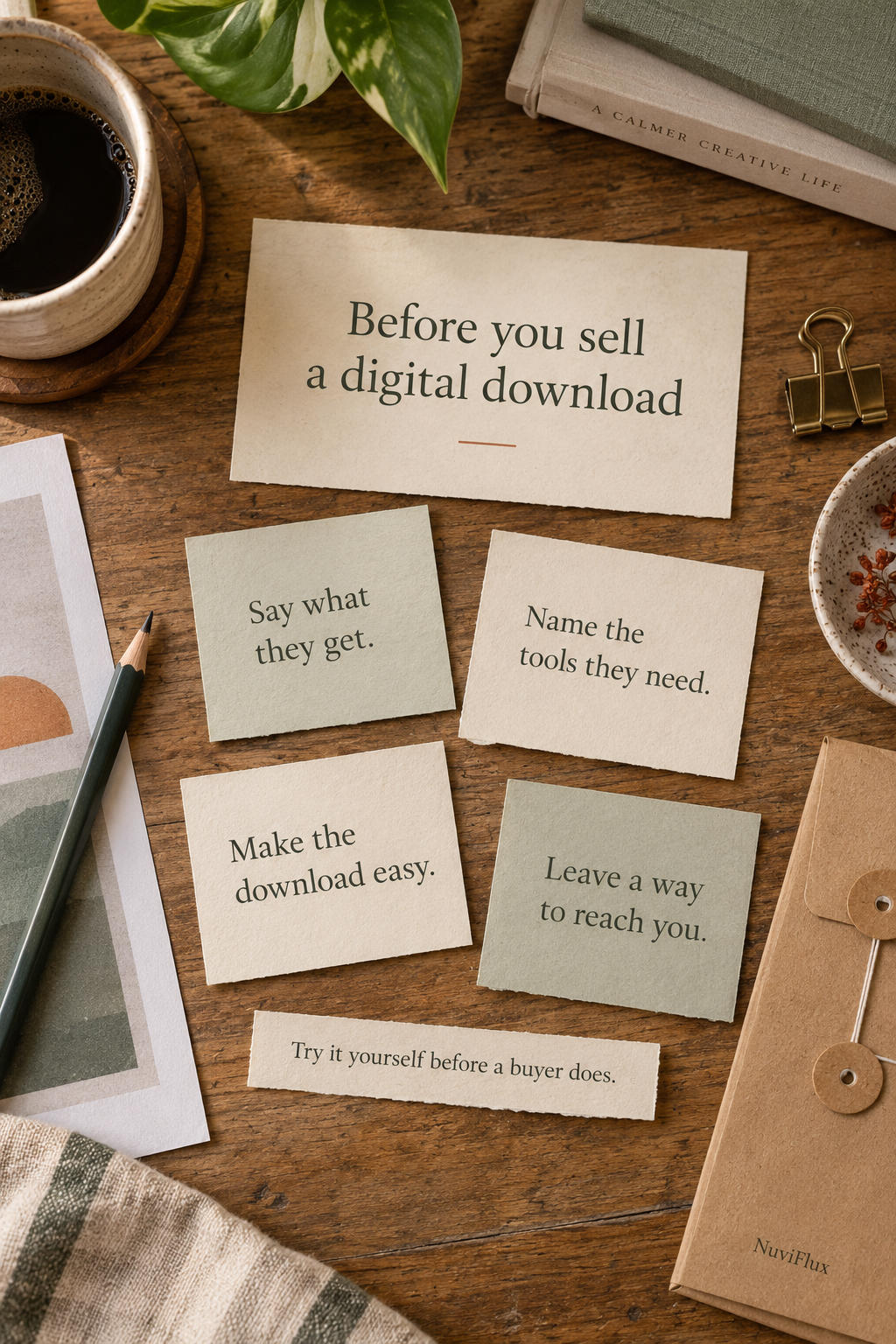
3. Walk through the download
“Instant download” should not leave the buyer searching for the next step. Explain where they find the files and what they need to do after opening them.
If you deliver a PDF containing a link, describe it that way. If the files sit in a shared folder, check that a buyer can access them without requesting permission. If you send a template link, test that it gives them the intended copy or editing workflow, rather than access to your original working file.
Keep the steps short and specific: open the delivery file, follow the link, then download or copy the product. Match those instructions to the platform you actually use; do not assume every marketplace works the same way.
4. Give them a way to get help
Even a good product can create a simple support question. A ZIP will not open. Someone cannot find the link. A print comes out at the wrong size.
Put your support contact or message route somewhere easy to find, including in the delivery instructions. Say what information would help you diagnose a problem, such as the file name, device and a screenshot of the error.
Set an honest expectation for when you reply. If you answer messages after your day job, do not advertise round-the-clock support. And define the scope: helping someone open your file is different from customising the whole design for them.
Three products, three different handoffs
| Product | Make this clear | Check before listing |
|---|---|---|
| Sewing pattern | Pattern files, instructions, supported sizes and materials the buyer supplies. | Print scale, file readability and whether someone else can follow the instructions. |
| Printable artwork | File formats, included print sizes and that no physical print is shipped. | Open the delivered files and test a print at an advertised size. |
| Editable template | Template link, required software or account and any paid-feature requirements. | Open the link as a recipient and confirm the buyer can use their own copy. |
Try the handoff as a buyer
Use the files and instructions you plan to deliver, not the originals sitting neatly on your computer. Try them in a separate browser session or on another device where appropriate. Then ask someone else to follow the steps without you explaining them.
Watch where they pause. If they ask “Which file do I open?” or “Do I need an account?”, you have found something to fix in the listing or instructions. You do not have to wait for a bad review to learn that.
Clear delivery helps buyers use the product they paid for. Keep track of recurring questions: they show where a better description or a clearer instruction could save both of you time.
Still choosing what to sell?
A digital product removes physical shipping, but it still needs a useful design, understandable instructions and support. Compare it with a finished product or a kit before deciding which work fits you.
Explore products to sell online, including digital sewing patterns and printable artwork. For a broader first test, read how to test a side hustle idea before spending money.