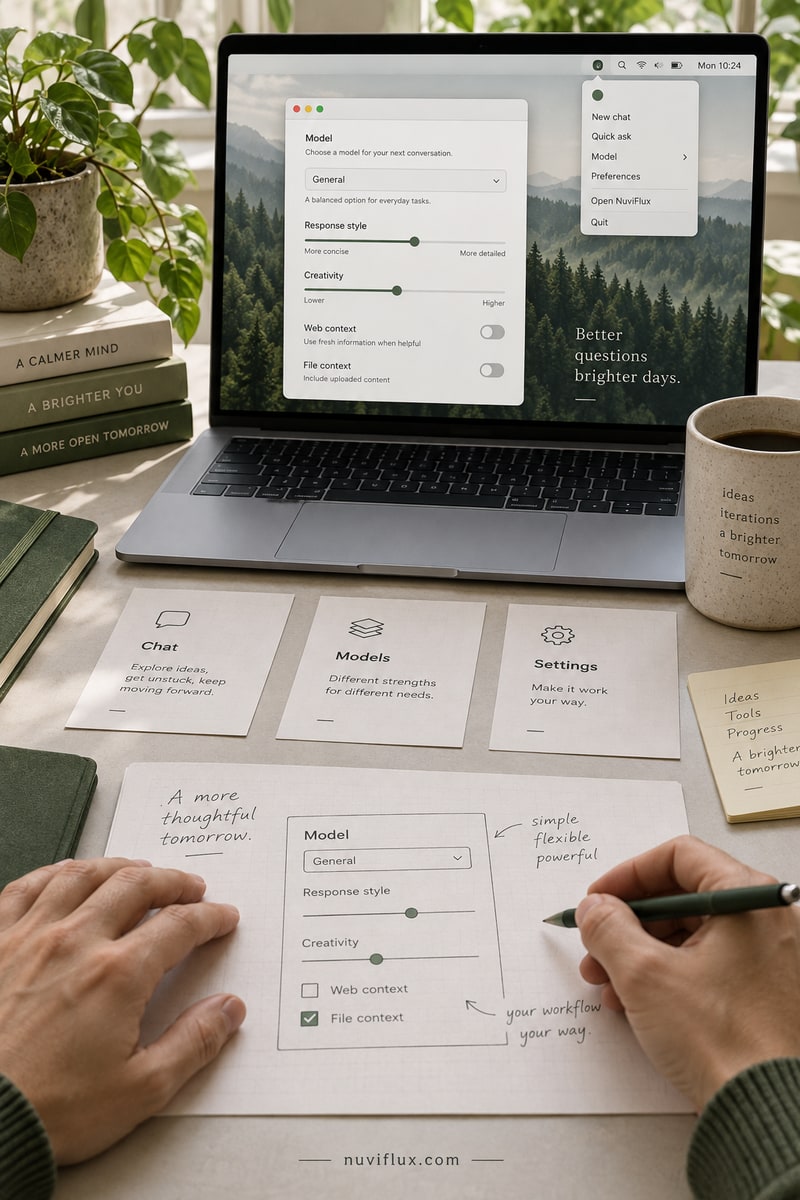
Build a macOS menu bar for LLM CLI tools
Developers can build a native macOS app to switch between multiple LLM command-line interfaces from the menu bar.
Open NuviFlux for the evidence, open questions, and first test.
THE OPPORTUNITY, IN CONTEXT
Build a macOS menu bar for LLM CLI tools
The business model
Switching between model tools can mean repeatedly digging through provider and configuration settings. A compact Mac control panel could put the relevant settings together for a particular workflow, provided it works with the tools users actually run.
What has been observed
The reviewed Magpie project describes a Go/Wails desktop interface and a local API gateway. This is relevant interface infrastructure, not proof of a ready-made menu-bar companion for every CLI tool or demand for a new product.
Entry conditions and costs
Costs include integration work, Mac compatibility, provider access and maintenance. A local gateway does not guarantee local model inference. Tool-specific settings and account credentials limit what a companion interface can safely manage.
The key question
Which controls would Mac users pay to have in one place?
Common questions
Is Magpie already a universal CLI menu-bar companion?
That has not been established. The reviewed project describes a desktop GUI and gateway.
Does a local gateway mean all processing stays local?
No. Model-provider connections can still involve external services.
A CLOSER LOOK
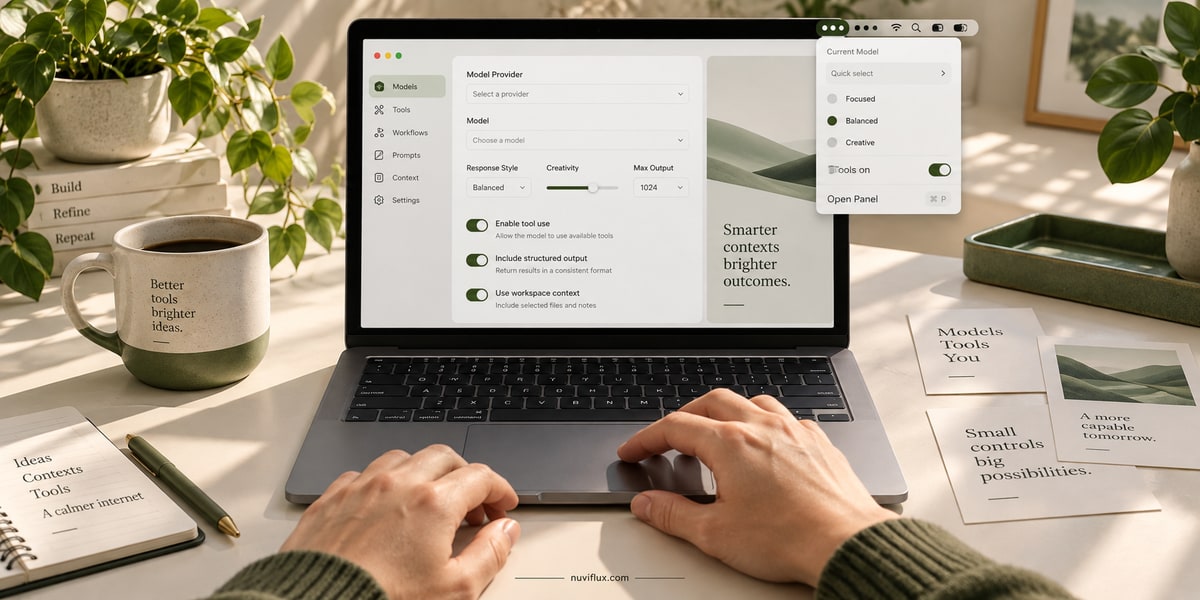
Simpler controls for a specific workflow
Model and provider settings can be scattered across several tools. A Mac control panel could bring the relevant controls together for one supported workflow.