Create local Windows AI inference tools
Developers can build offline AI utilities for Windows using the newly supported Windows ML runtime.
Open NuviFlux for the evidence, open questions, and first test.
THE OPPORTUNITY, IN CONTEXT
Small AI utilities that work on a Windows PC
The business model
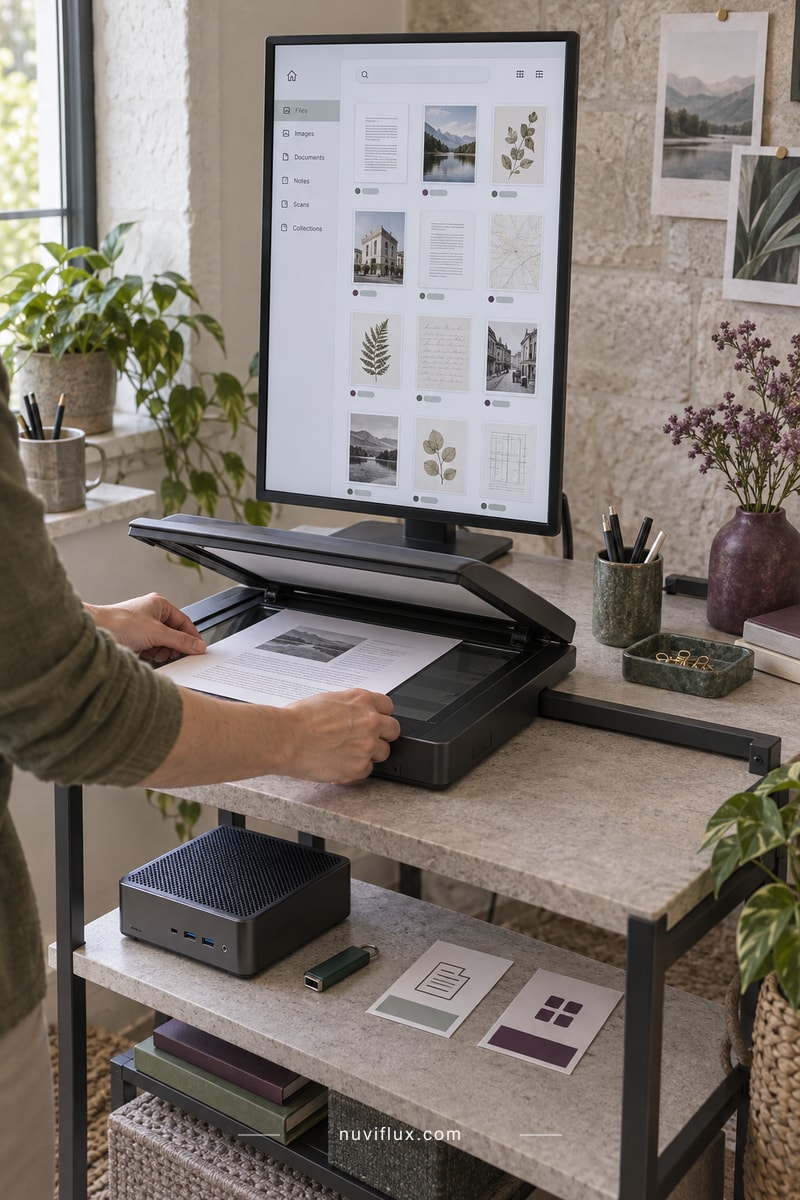
Windows users with repetitive document tasks may prefer a small app that works with files on their own PC. Developers could sell a utility for a specific job, such as suggesting document tags, with a simple interface and clear hardware requirements.
What has been observed
Microsoft describes a PyTorch-to-ONNX workflow for Windows ML and an experimental GGUF path using llama.cpp. The new Runtime and Text Generation APIs are not supported for production use. The announcement expands the options to explore; it does not validate a finished app or customer demand.
Entry conditions and costs
Model downloads, memory use, hardware compatibility, output quality, and support all affect the product. Local inference also needs a clear account of any updates, telemetry, or cloud fallbacks. A paid release needs a supported runtime and appropriate model rights.
The key question
Which recurring task would make someone choose this app over tools they already use?
Common questions
Does Windows ML run every PyTorch model directly?
No. The documented workflow exports a compatible ONNX model. Runtime and operator compatibility still need to be checked for the selected model.
Are the newly announced native APIs ready for a paid production app?
The Runtime and Text Generation APIs are experimental. Microsoft's documentation excludes production use and says apps trying them should not be published to the Microsoft Store.
A CLOSER LOOK
Local AI for a recurring Windows task
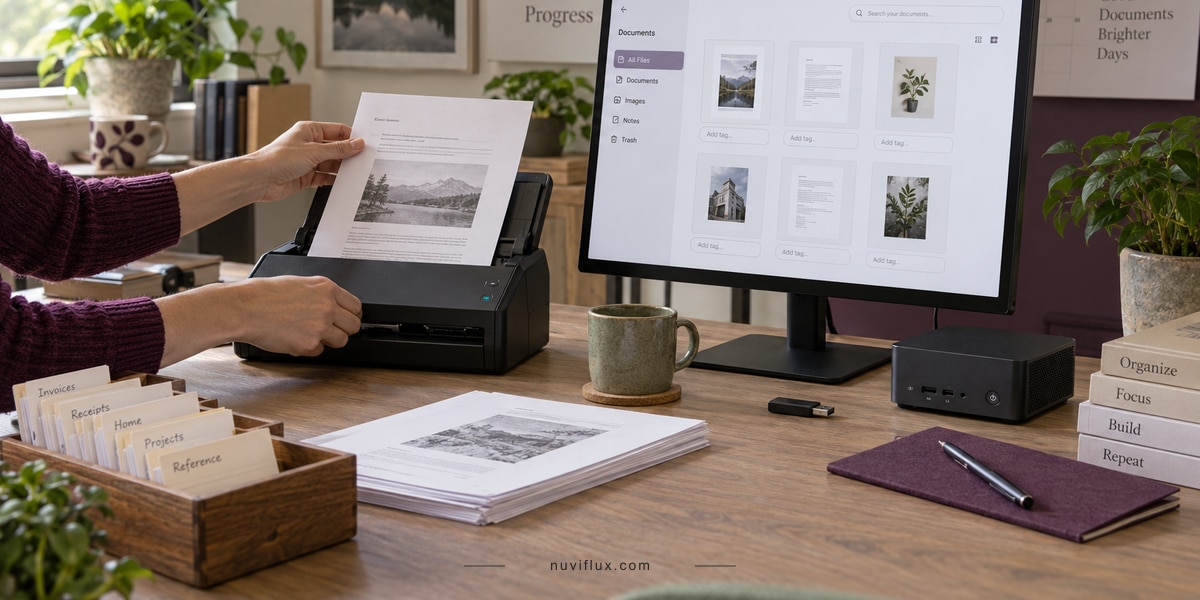
Windows users may want AI help with documents while keeping files on their PC. A developer could build a small paid utility around one recurring task.