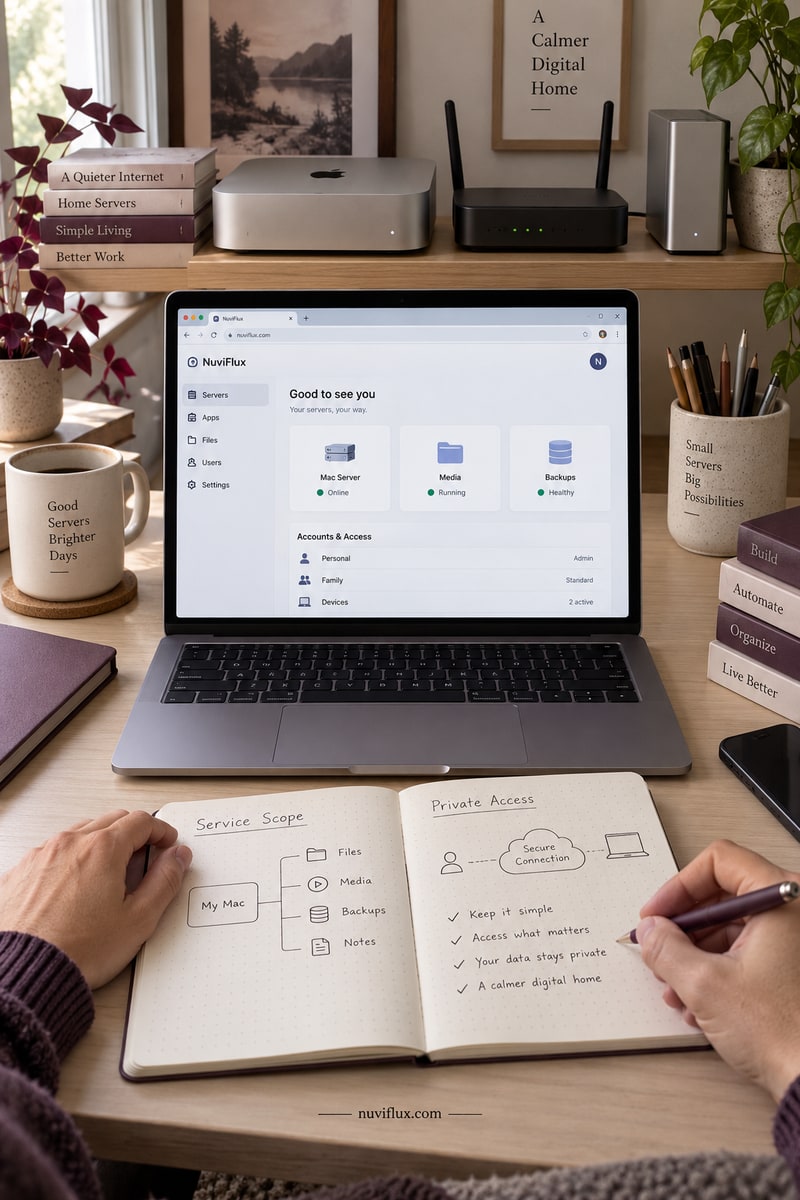
Set up remote macOS server management
Help non-expert users configure Udon for secure remote access to their home Mac servers.
Open NuviFlux for the evidence, open questions, and first test.
THE OPPORTUNITY, IN CONTEXT
Remote Mac server setup and handover
The business model
A home Mac server can be useful without its owner wanting to become a system administrator. A setup service could configure browser-based management and private access, then explain the permissions and ongoing responsibilities that come with it.
What has been observed
The reviewed Udon documentation describes an early-stage product for Apple Silicon and macOS 26 or later, with a browser dashboard and private-access options. Product availability does not establish demand for paid setup assistance or independently verified security.
Entry conditions and costs
Costs include the software license, a suitable Mac and configuration time. Setup can involve administrator approval, Full Disk Access and a privileged helper. A service should disclose these permissions and define support limits; supplier license terms can change, and configuration alone is not a security certification.
The key question
What setup work would home-server owners rather pay for than do themselves?
Common questions
Is Udon an independently audited security solution?
That has not been established by the reviewed evidence. Its documented security model is the author's description.
Does setup include unlimited ongoing IT support?
No. Initial configuration and handover need a defined scope; ongoing support is a separate commitment.
A CLOSER LOOK
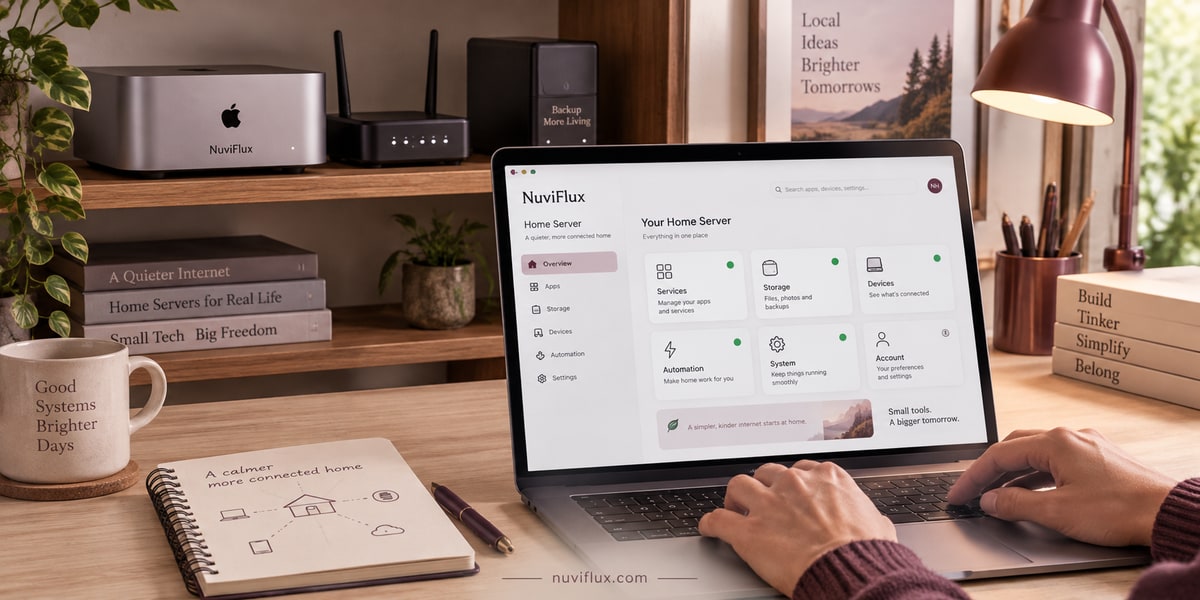
A home server with clearer responsibilities
Home Mac servers need remote access and understandable controls. A setup service could configure browser-based management and hand over clear account and permission information.